
CapCut
CapCut for Android is ByteDance's free mobile video editor for cutting clips, adding music, text and effects, and exporting short videos.
301.5 MB

6.9.10 · AZ Screen Recorder · Page updated
AZ Screen Recorder is a free Android app for recording the phone screen with sound and a front-camera overlay, plus a simple video editor.
Average 0.0 · ratings: 0
Thank you! Your rating is saved; you can change it. Could not save the rating. Please try again later. Too many ratings from your network today. Please try again tomorrow. The average appears after 5 ratings.
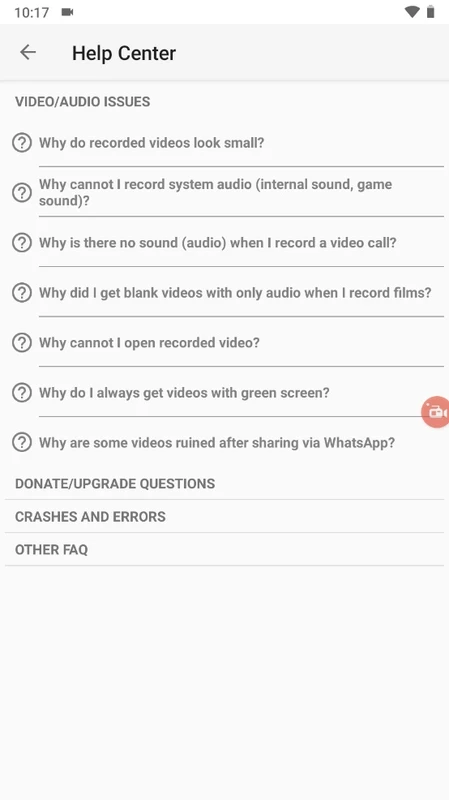
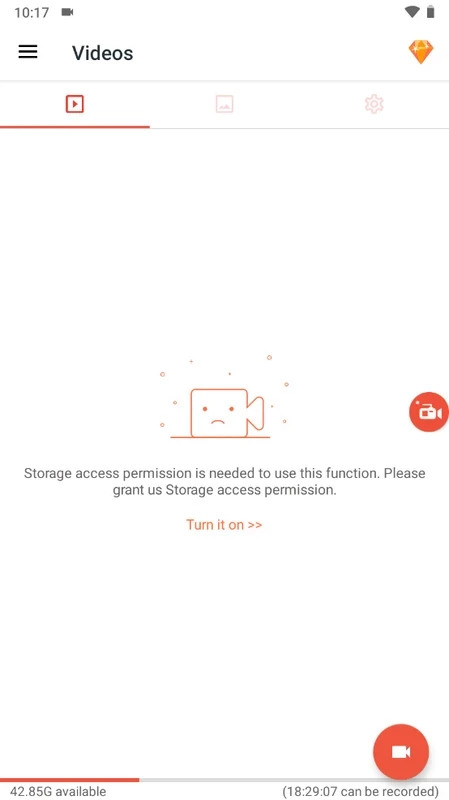
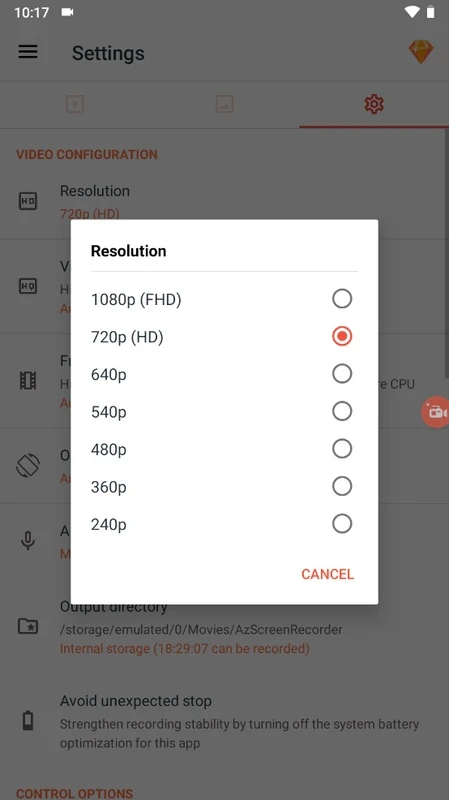
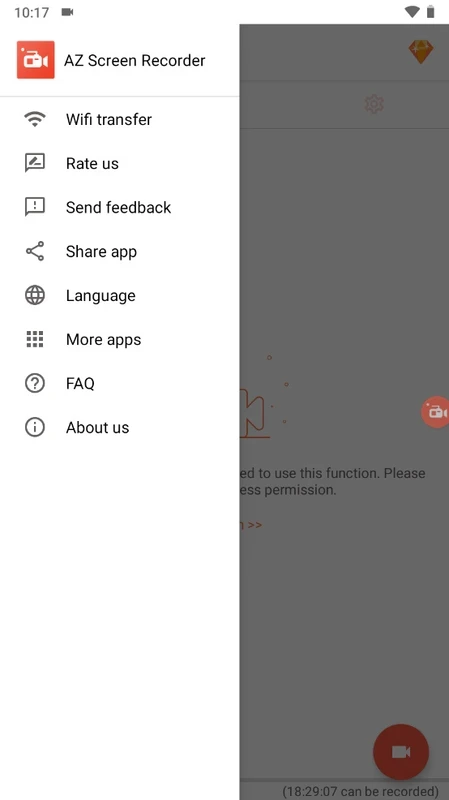
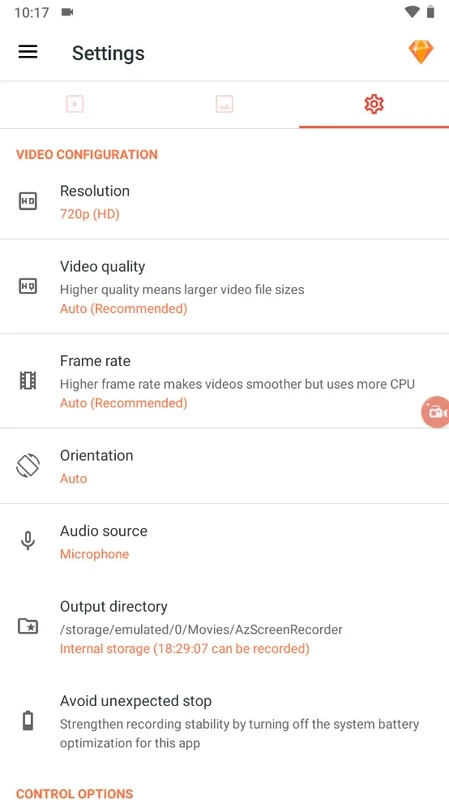
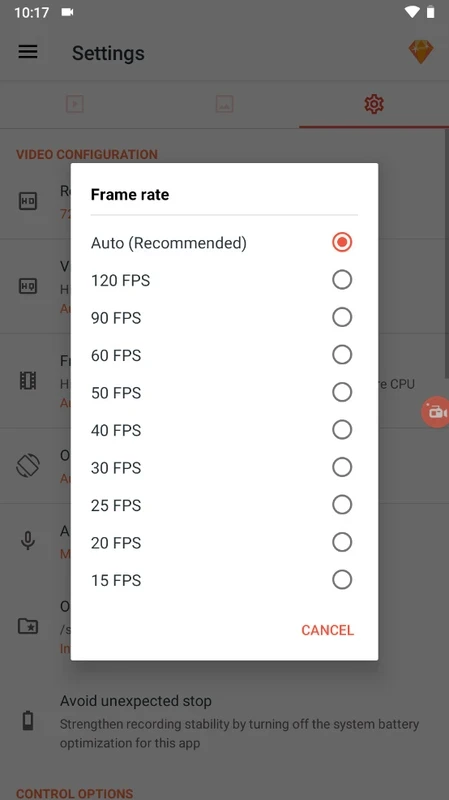
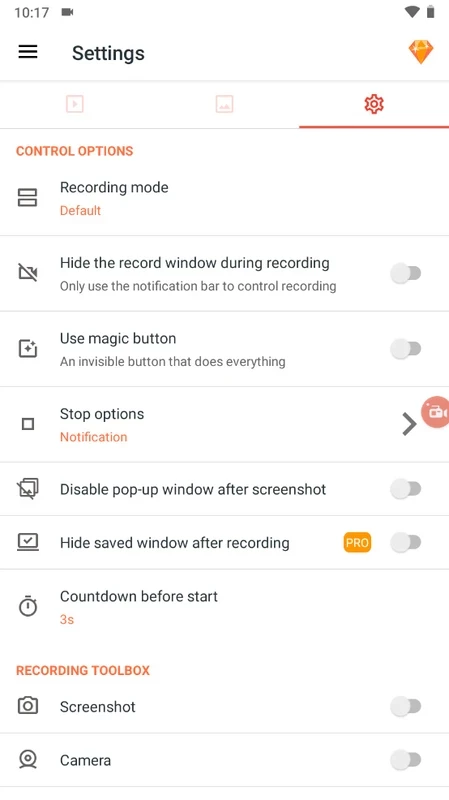
AZ Screen Recorder 6.9.10 is a free screen recording app for Android. You download AZ Screen Recorder to capture gameplay, app tutorials or a video call on your phone, with sound and your face in a small camera window, without rooting the device.
Android has a built-in screen recorder on many phones, but it is often basic: few quality settings, no facecam, no editing. AZ Screen Recorder adds those missing parts. A floating bubble stays on top of other apps, so you can start, pause and stop a recording at any moment without leaving the game. You choose resolution, frame rate and bitrate, pick the audio source, and optionally turn on the front camera overlay, which you can move and resize. During recording you can draw on the screen to point at something. When you stop, the video lands in the app's gallery, where you can trim it, cut out parts, add music or text, convert a fragment into a GIF and share it. The app also takes screenshots and can stream live to video platforms. It does not add a watermark to recordings and does not impose a time limit, which is the main reason it has stayed popular.
If your phone's built-in recorder covers your needs and you never edit, a separate app only adds another icon. Be careful with recording calls or streams of other people: laws in many countries require consent.
The app is about 108.85 MB according to catalogue data.
The app is free with ads. A premium upgrade removes ads and unlocks extra tools, such as advanced editing options.
Screen recorders see everything on your display, including passwords and messages. Install only the version from Google Play, pause recording when you enter sensitive data, and avoid modded "premium" copies.
For editing the recordings, try CapCut, InShot, YouCut or VN – Video Editor.
CapCut for Android is ByteDance's free mobile video editor for cutting clips, adding music, text and effects, and exporting short videos.

YouTube for Android is Google's app for watching, uploading and live-streaming video. Version 21.38.130 is the current release listed here.

InShot is a video editor for Android phones used to trim, combine and prepare clips for social networks.

DU Recorder is a free Android screen recorder for capturing gameplay, tutorials and video calls, with basic editing of the recorded clips.

VN – Video Editor is a free Android app from VN, LLC for editing videos on a phone: cut and join clips, add music, titles and transitions.

Wink is an Android video editing app from Meitu that uses AI to improve video quality, retouch faces and apply effects to clips.

TikTok is a free short-video app for Android from TikTok Pte. Ltd. Version 46.9.42 is the latest Android build.

TikTok Lite is the official lighter version of TikTok for Android, designed to save data and suit phones with limited storage.